

 AUD
AUD
 BRL
BRL
 CAD
CAD
 CHF
CHF
 CNY
CNY
 DKK
DKK
 EUR
EUR
 GBP
GBP
 HKD
HKD
 INR
INR
 JPY
JPY
 KRW
KRW
 MXN
MXN
 MYR
MYR
 NOK
NOK
 NZD
NZD
 PLN
PLN
 RUB
RUB
 SEK
SEK
 SGD
SGD
 THB
THB
 TWD
TWD
 ZAR
ZAR

Article
MapMania 2026 - Competition Results
The placement results for MapMania 2026 & notes from our judges.
 Jdance
Guides and tutorials on Unturned plugin development and server hosting — from building RocketMod plugins in C# to running your own server.

Welcome to MapMania 2026, a month-long competition between creators.
Jdance

Blog post covering some of the latest additions to the Restore Monarchy website.
Jdance

The Unturned community, with its passion and commitment to playing a game that is nearly a decade old, sees the open-sourcing of the project as the goal. The average player is completely wrong about the topic.
Jdance

A reflection on nearly a decade of community involvement, from player to developer, then adminstrator.
Jdance
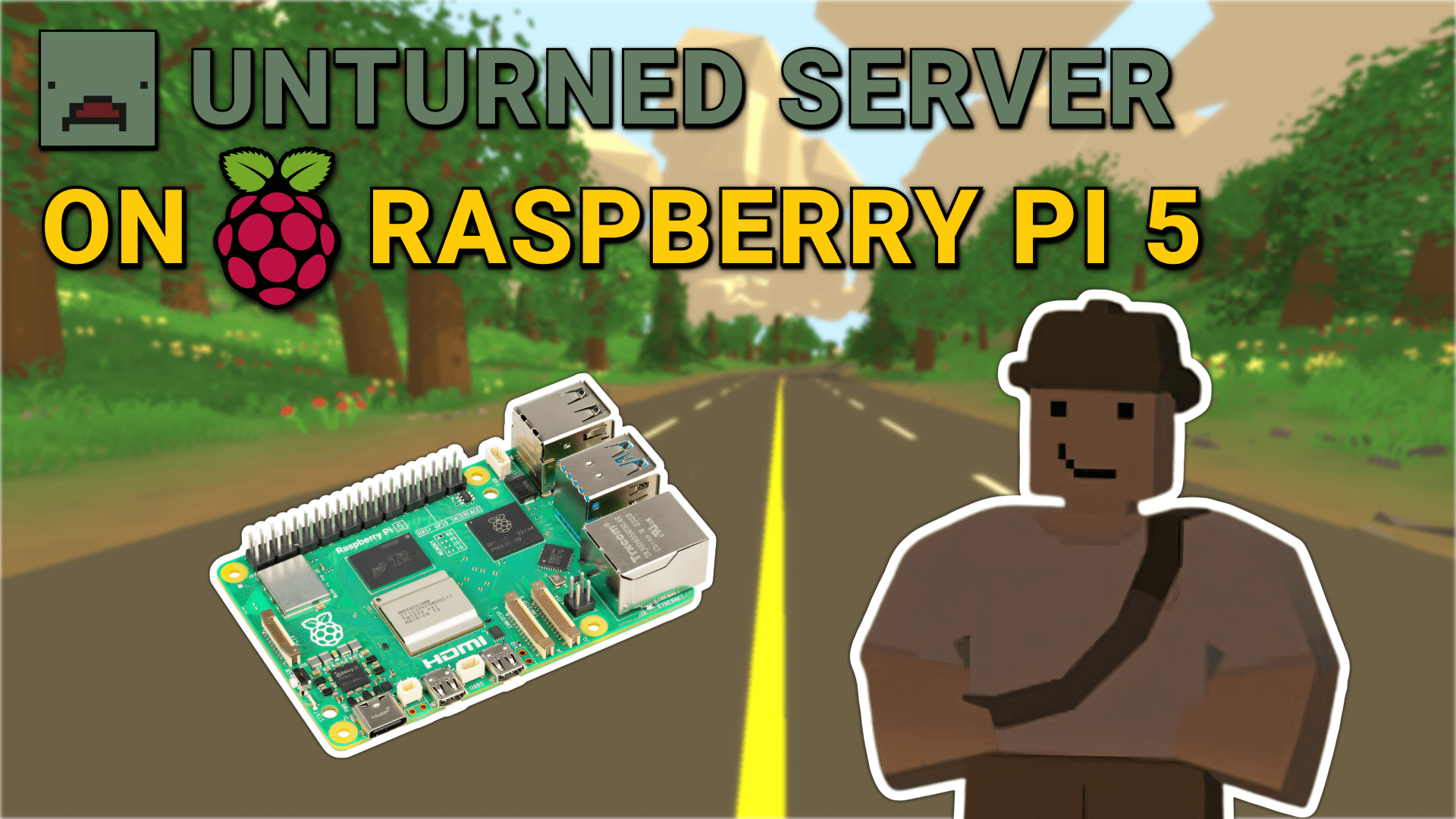
Learn how to host an Unturned server on a Raspberry Pi 5. This guide provides step-by-step instructions for setting up your server, configuring the server files, and connecting to your server from the game.
 MCrow
MCrow
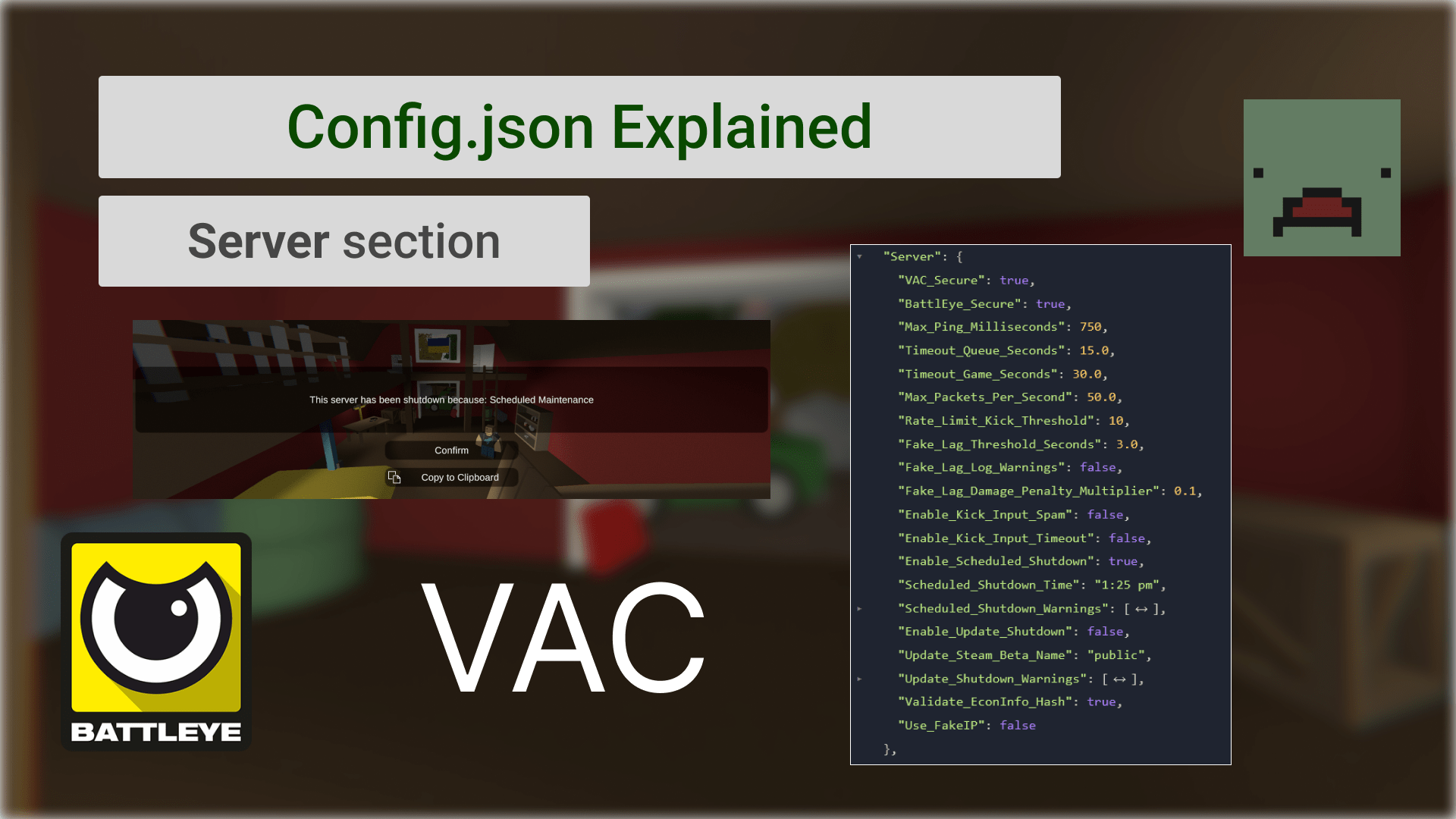
This blog post explains every field in the Server section of the Config.json file for your Unturned server. Learn how to customize the server's behavior and security settings.
MCrow
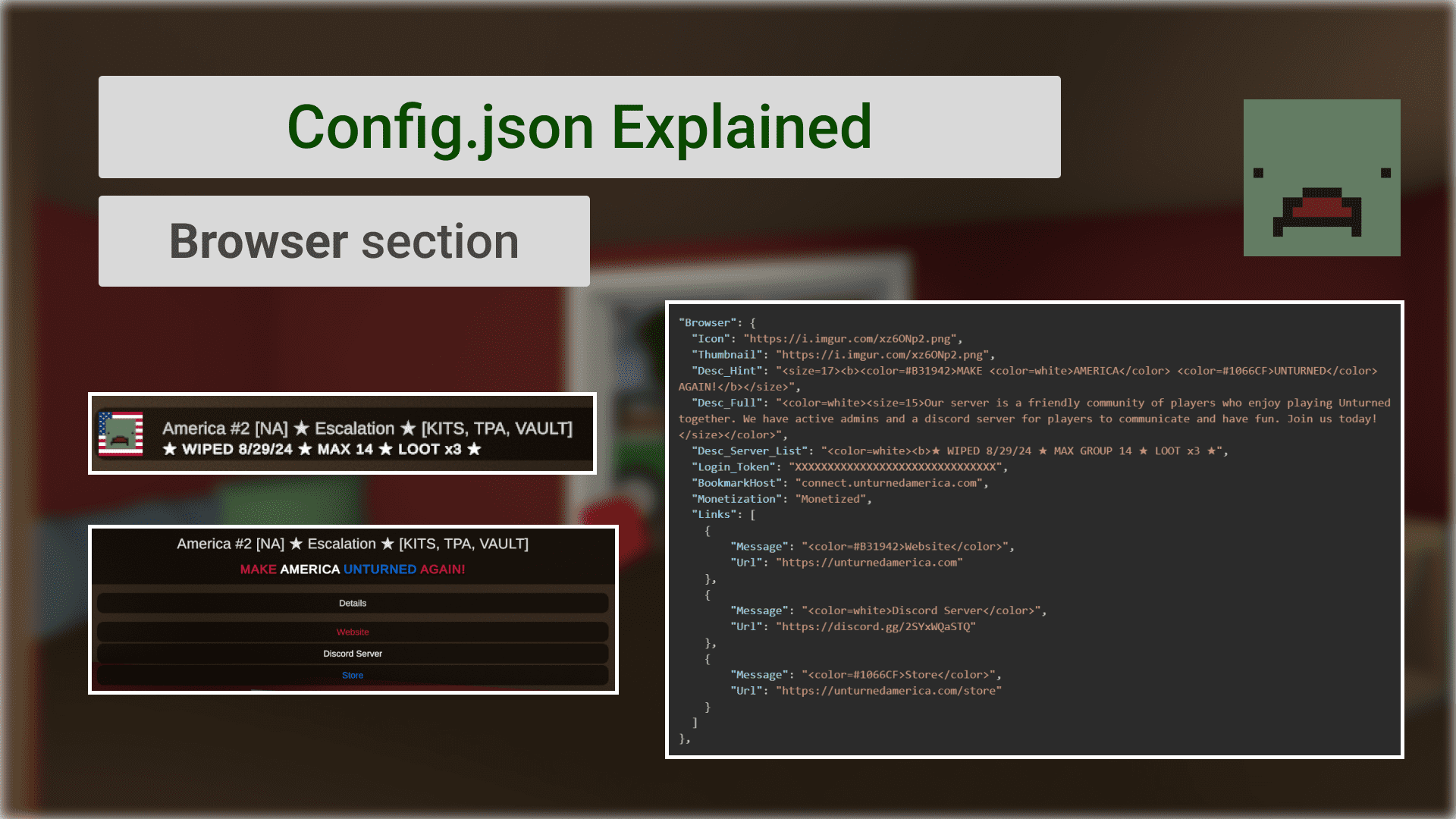
This blog post explains every field in the Browser section of the Config.json file for your Unturned server. Learn how to customize the appearance of your server in the in-game browser.
MCrow
Learn how to install plugins on your Unturned server. The guide provides 4 easy steps to install Rocket plugins on your server.
MCrow
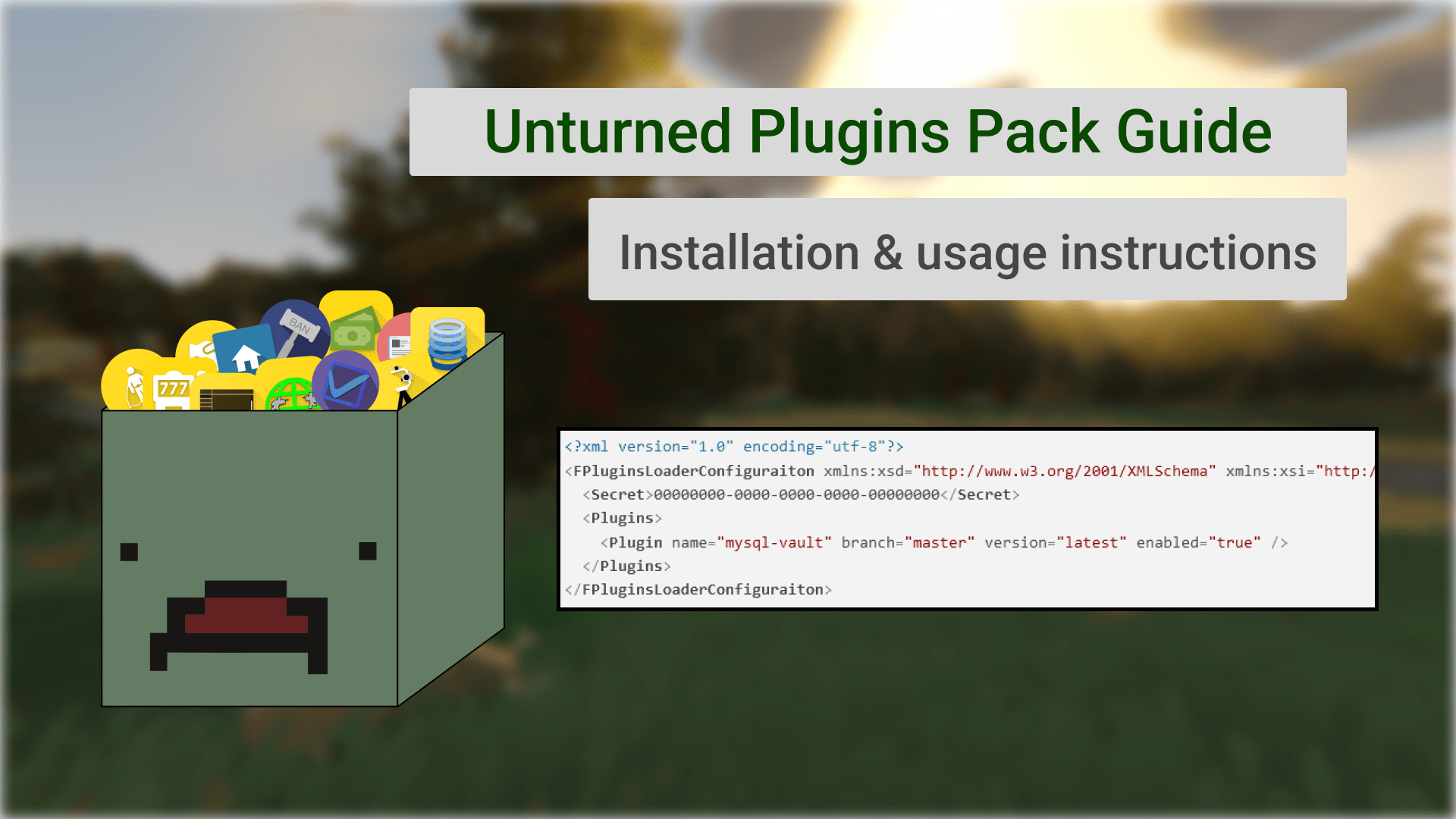
This is a guide on how to install, configure and use Unturned Plugins Pack after purchase.
MCrow
In this episode, we will learn how to find events in the game that we can use in our plugins. This is tricky because the game does not provide a list of events and they keep getting added by Nelson.
MCrow
Configure your Unturned server with the Commands.dat file. This guide provides a full list of commands for setting up your server's map, name, slots, and other options. Each command includes a description of its function and how to use it properly.
MCrow
Translations is the best way to let users of your plugin customize the messages or translate them to other languages. In this blog post, we will learn how to do that.
MCrow
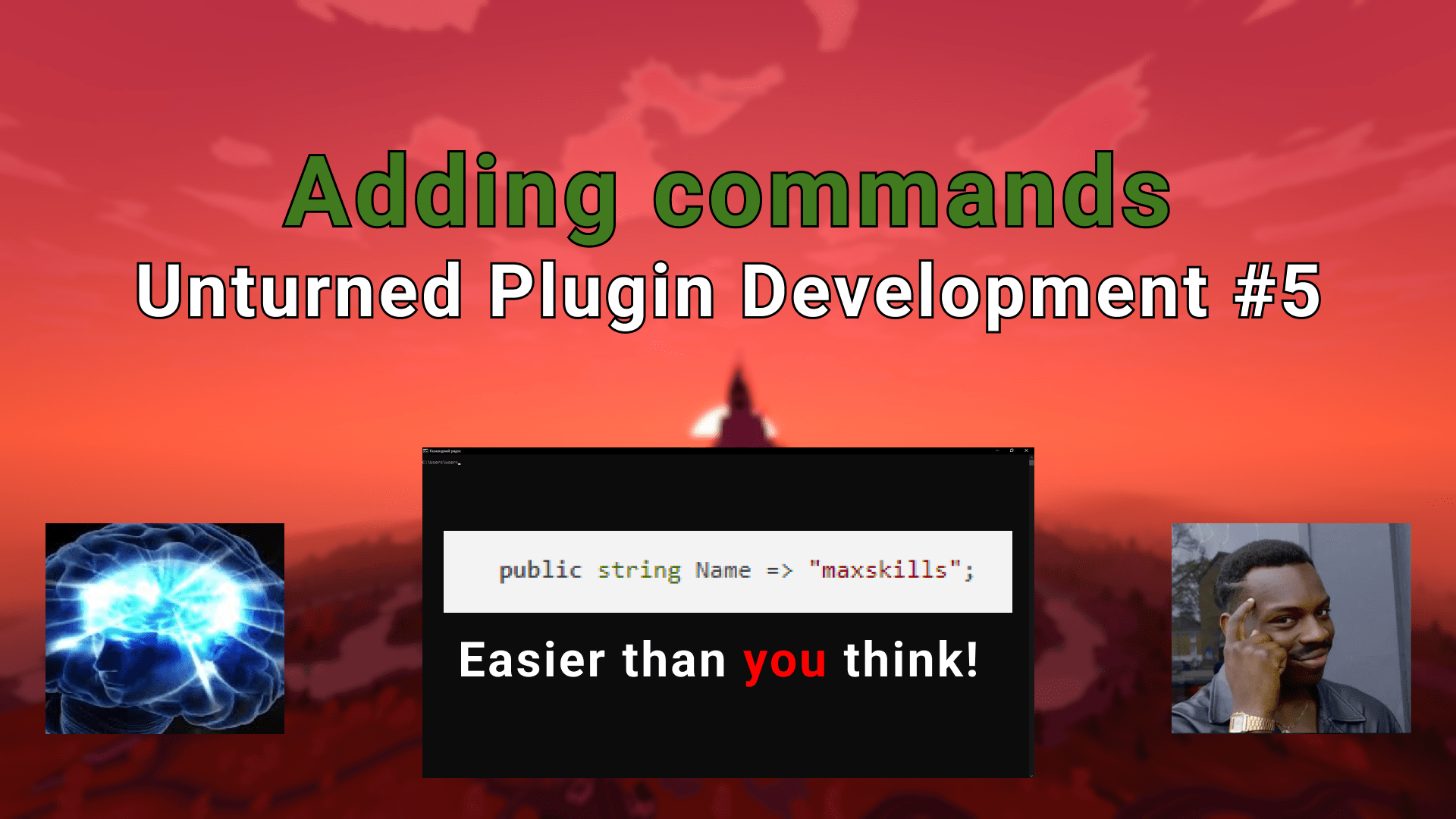
Learn two different ways to add commands to Rocket plugin for Unturned. Traditionally by implementing IRocketCommand interface and by using RocketCommandAttribute.
MCrow

Introduction to the Trade plugin development course. Learn more about the course and what you will learn. Find out what you need to know before starting the course.
MCrow
This is the third part of the Unturned plugin development blog series. In this blog post, we will learn how to handle game events in the plugin. We will make our plugin send a message to the Unturned chat on PlayerConnected and PlayerDeath events.
MCrow
This is the second part of the Unturned plugin development blog series. Here we will create our first Unturned plugin using the project templates installed in the previous guide. We will create a simple plugin that logs a message to the console when the server starts. Then we will compile the plugin, install it on the server, and test it.
MCrow
Setting up your development environment is the first step to creating plugins for Unturned. This guide will help you set up Visual Studio and install project templates for creating plugins.
MCrow